8-in-1 Multi-Bootable Linux USB – Try and Install Multiple Popular
DistributionsUSD $22.00
Condition : Brand New
Free Shipping

Notify me when the price drops
We will email you if we find a lower price on this product!
This is a ready-to-use, bootable Linux USB loaded with several of the most popular and widely used Linux operating systems. It’s designed for people who want to try Linux and compare distros. Once you have tried enough, you can choose to install one on your desktop and laptop
Just plug the USB in, select it from your boot menu, and choose which Linux version you want to run.
What’s Included-
64 GB USB 3.0 drive
-
Multi-boot setup with multiple mainstream Linux distributions
-
Works on most PCs and laptops (UEFI and Legacy BIOS supported)
-
No changes made to your internal hard drive unless you choose to do so
The USB includes all of the following operating systems of which the user may choose the one they boot each time. All the distributions can be tried out before installation.
-
Ubuntu – Stable, well-supported, and beginner-friendly
-
Linux Mint – Familiar desktop layout, great for Windows users
-
Zorin OS – Clean, modern interface, easy to use
-
Fedora – Up-to-date software, popular with developers
-
Debian – Reliable, lightweight, and very stable
-
Manjaro – Rolling-release distro with access to newer software
-
Elementary OS – Minimal, polished, and visually clean
-
Pop!_OS – Excellent hardware support and productivity-focused setup
Also included:
-
SystemRescue & GParted Live for disk management and recovery tasks
-
Try Linux live, risk-free – boot any included distribution directly from the USB without touching your computer’s hard drive
-
Experiment with multiple distros – explore different desktops and features to find the one that fits you best
-
Install Linux easily – once you’ve found your favorite, you can install it permanently on your system
-
Portable and flexible – run Linux anywhere, on almost any PC or laptop
-
Rescue and repair tools included – recover data or fix problems on existing systems
-
Beginners curious about Linux
-
Students and learning environments
-
Comparing Linux distributions side-by-side
-
Reviving older or slower computers
-
Portable work or study setup
-
System recovery and maintenance
-
This is a physical USB drive, not a download
-
Computer must support booting from USB (most do)
-
If you want a specific distro added or swapped, just ask
x86_64 only - Your computer must have a 64-bit Intel or AMD CPU to be able to boot from this drive and it must not be a Chromebook - most computers manufactured after 2010 fulfill the criteria
Please note that the USB drive provided may differ from the one in the picture - however, it is always a 64 GB USB 3.0 drive


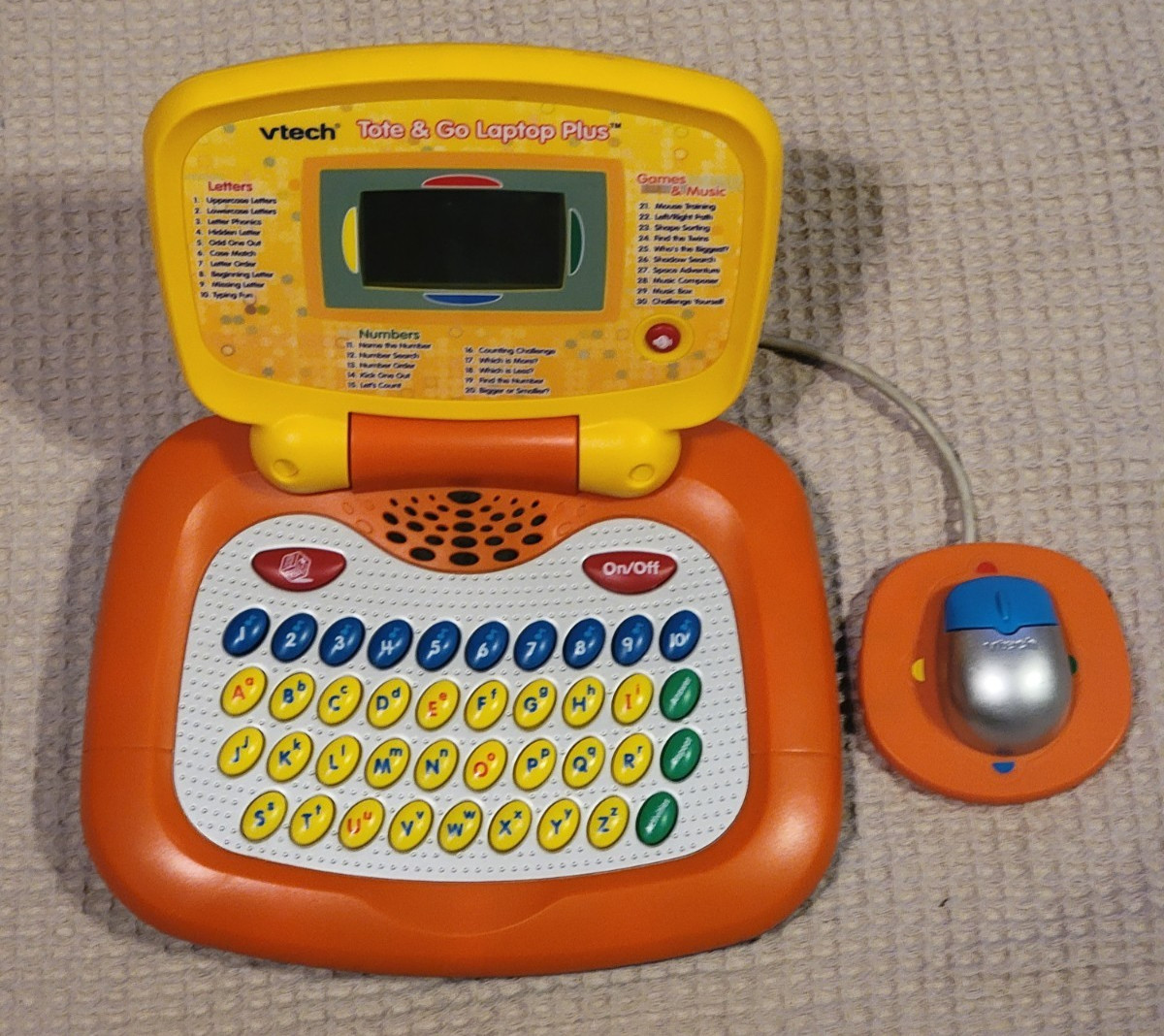
VTECH TOTE & GO LAPTOP PLUS Preschool Learning System Popular Orange/YellowModel
By Unbranded

$39.95





 .
